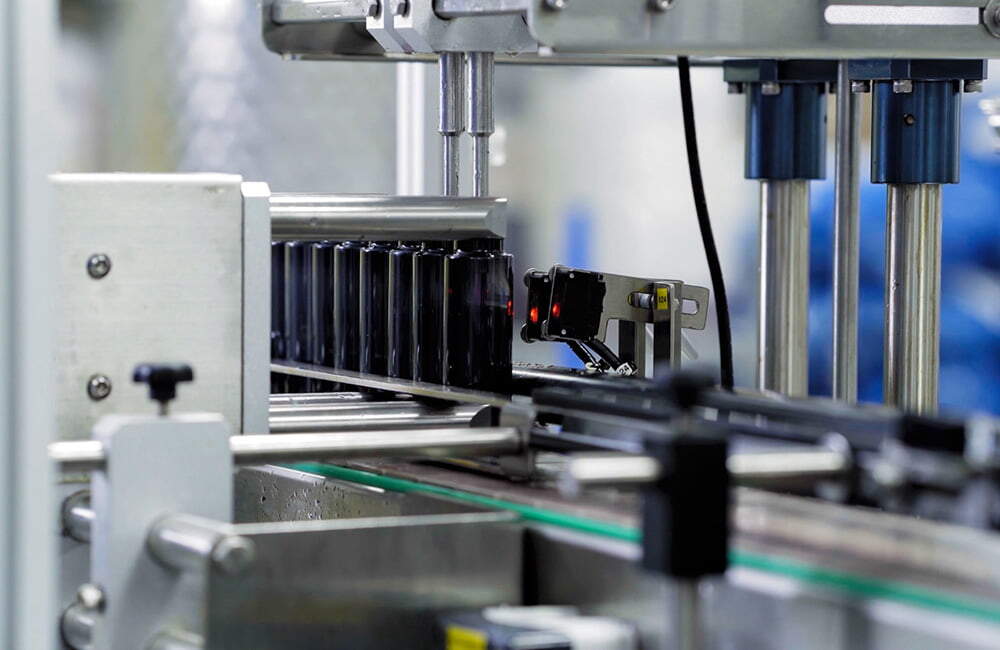
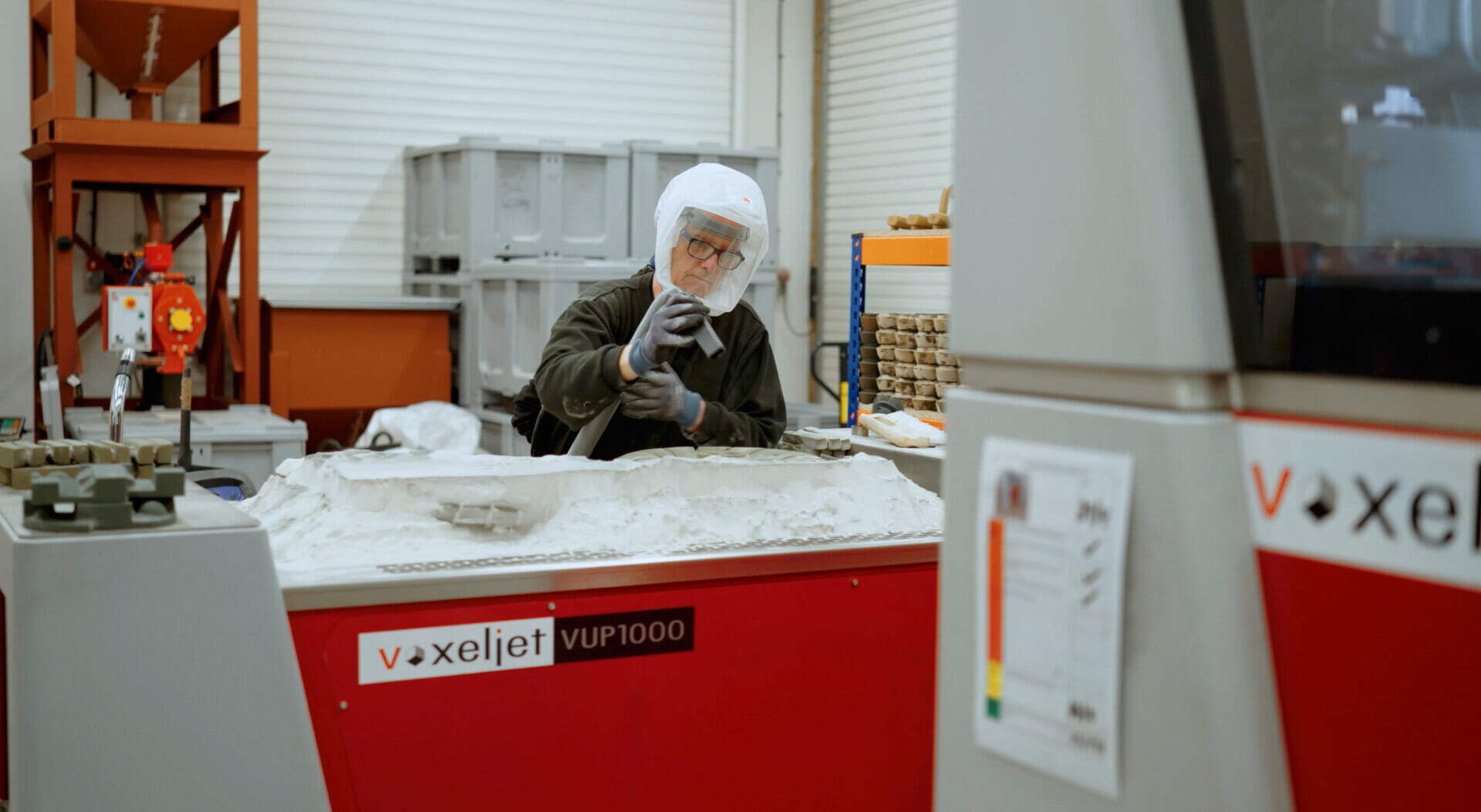
The handover of industrial equipment is a critical point in the customer relationship. A machine may have passed testing and arrived on site, but the customer still needs to understand how it operates, what support is available and where responsibilities sit. Industrial video production can make that transition clearer and more consistent.
A planned set of films can introduce the equipment, document the approved operating sequence and preserve important explanations from the people who designed and commissioned it. Used alongside formal training and technical documentation, video gives customers a practical reference they can revisit after the handover team has left.
Plan content around the customer journey
Onboarding begins before installation is complete. Customers may need to prepare services, access, staffing and training well in advance of the first production run.
Video can support each stage with the right level of information. An early overview can explain the delivery and installation process. Later modules can introduce controls, operating routines, maintenance points and support contacts.
Mapping the content to the handover plan prevents important subjects from being overlooked and avoids loading every detail into one long film.
Use video alongside approved documentation
Technical manuals, risk assessments and training records remain essential. Video should complement those materials rather than replace them.
A film can show the physical location of a control, the correct sequence of an approved check or the relationship between several machine components. The accompanying documentation provides the complete specification, limits and formal procedure.
Professional video production helps connect these sources into a clear visual explanation without presenting the film as a substitute for competent instruction.
Capture knowledge during factory acceptance testing
Factory acceptance testing offers a valuable opportunity to record equipment in a controlled environment before delivery. Engineers can demonstrate the normal cycle, explain key settings and show how the machine responds during approved tests.
Filming at this stage also creates a visual reference of the equipment configuration before it leaves the manufacturer. That can support later installation discussions and help teams recognise components when the machine arrives on site.
Customer representatives may be present during testing, allowing the content plan to reflect the questions they raise in real time.
Document installation without disrupting the work
Delivery and installation involve lifting, access restrictions and coordination between several teams. Filming must fit around the approved method and never interfere with the task.
A pre-production plan can identify useful milestones such as positioning, connection, guarding, commissioning and the first complete cycle. Safe camera positions and clear communication with the project lead protect both the crew and the installation team.
Time-lapse can show a long installation period efficiently, while focused footage captures the technical detail and people behind the work.
Explain controls and automation clearly
Modern equipment may combine touchscreens, sensors, robotics and connected systems. A general machine shot does not always explain how operators interact with the complete process.
Examples of industrial automation video show how interface footage, machine details and wider operational views can be combined. Graphics can identify controls, illustrate signal flow or reveal actions inside a guarded area.
The sequence should distinguish between routine operator functions and settings reserved for authorised technical staff. This keeps the explanation useful without encouraging access beyond the viewer’s role.
Break operating guidance into focused modules
Customers are more likely to use a library when each film answers a specific question. Useful modules might cover start-up checks, normal operation, changeover, shutdown, cleaning or the response to an approved notification.
Clear titles and chapters help viewers reach the right section quickly. Captions make the content usable in noisy areas, while translated versions can support multilingual teams.
Each module should state its intended audience and refer viewers to the current manual or training process where further detail is required.
Introduce the support team
Handover is also about confidence in the people behind the equipment. Short contributions from project managers, applications engineers and service specialists can explain how support is accessed and what information helps the team respond efficiently.
Customers can be shown where to find identification numbers, service records and approved contact routes. This reduces uncertainty when assistance is needed and gives the support process a human face.
Where dealers or regional partners provide first-line support, the film should make the division of responsibility clear.
Show routine care without crossing competence boundaries
Video is useful for approved daily and weekly checks because it can show exact locations and movements. However, not every maintenance task belongs in a customer-facing film.
The manufacturer should define which procedures are appropriate for operators, trained maintenance staff or specialist service engineers. Access-controlled content may be needed for advanced subjects.
Every demonstration must follow the approved isolation, safety and tooling requirements. The production should never simplify a task in a way that removes an essential control.
Record the final handover condition
A concise handover film can document the installed machine, guarding, interfaces and surrounding area at the point of acceptance. This creates a useful visual record for both parties.
The footage can include agreed options, identification details and the successful completion of a representative cycle, provided commercially sensitive information is protected.
This record does not replace signed documentation, but it can add practical context when teams later discuss configuration, changes or support.
Keep onboarding content current
Equipment evolves through software updates, replacement components and process changes. Every video asset should therefore have an owner, revision reference and review date.
Modular production makes updates more efficient. A new interface or revised check may require one short film to be replaced rather than the entire onboarding library.
Customers also need a clear place to access the current approved versions. Removing superseded files prevents old guidance from continuing to circulate.
Learn from customer questions
The first handovers will reveal which explanations are clear and where customers need additional support. Repeated questions may justify a new close-up, graphic or standalone module.
Feedback from trainers, service engineers and operators can guide future updates. This turns the content into a practical resource that improves with real use.
Industrial video production gives manufacturers a consistent way to transfer knowledge at one of the most important stages of a project. By planning content around the customer journey, technical responsibilities and current documentation, video can make equipment handover more confident and useful.
If you need to document an industrial installation or build a customer onboarding library, contact Industreel to discuss a production plan for your equipment and support process.