In a modern factory, the best way to standardise a task is often to show it being done in the real environment. Digital work instructions built around well-planned industrial video production can give operators, supervisors and engineers a shared visual reference without removing the judgement that experienced people bring to the line. A concise film can show the sequence, tools, safety controls and quality checks that are difficult to communicate through a static document alone.
For manufacturers, this is more than a training aid. A useful video instruction becomes part of the operating system around a process. It can support onboarding, reduce variation between shifts, preserve knowledge when specialists move on and help teams discuss improvements using the same visual evidence. The strongest projects begin with the work itself, then use production craft to make the important details easy to find and remember.
Why visual work instructions improve consistency
Written procedures remain essential for controlled processes, but they can leave room for interpretation. A sentence such as “position the component securely” may mean something different to a new starter than it does to a highly experienced operator. Video can reveal the exact hand placement, orientation, fixture position and visual cues that define a good result. It gives people a practical reference they can revisit at the point of need.
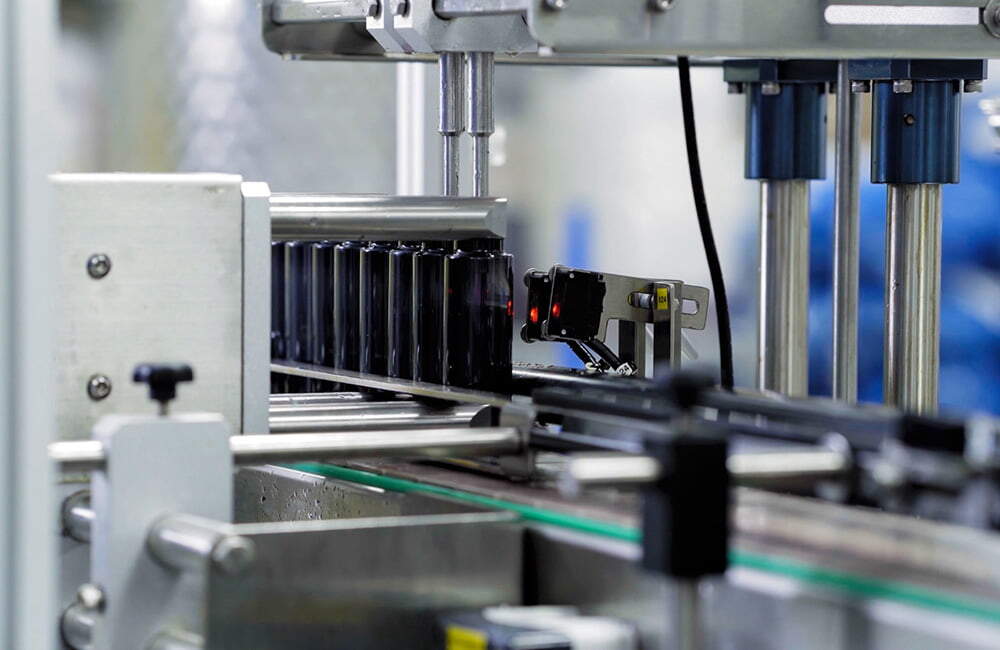
That clarity is particularly valuable where a task combines movement, timing and inspection. A camera can follow the order of operations, show what should happen before the next step begins and highlight the small signs of an incorrect setup. Close-up shots, measured pauses and carefully chosen graphics can make the critical information visible without turning the instruction into an overloaded technical presentation.
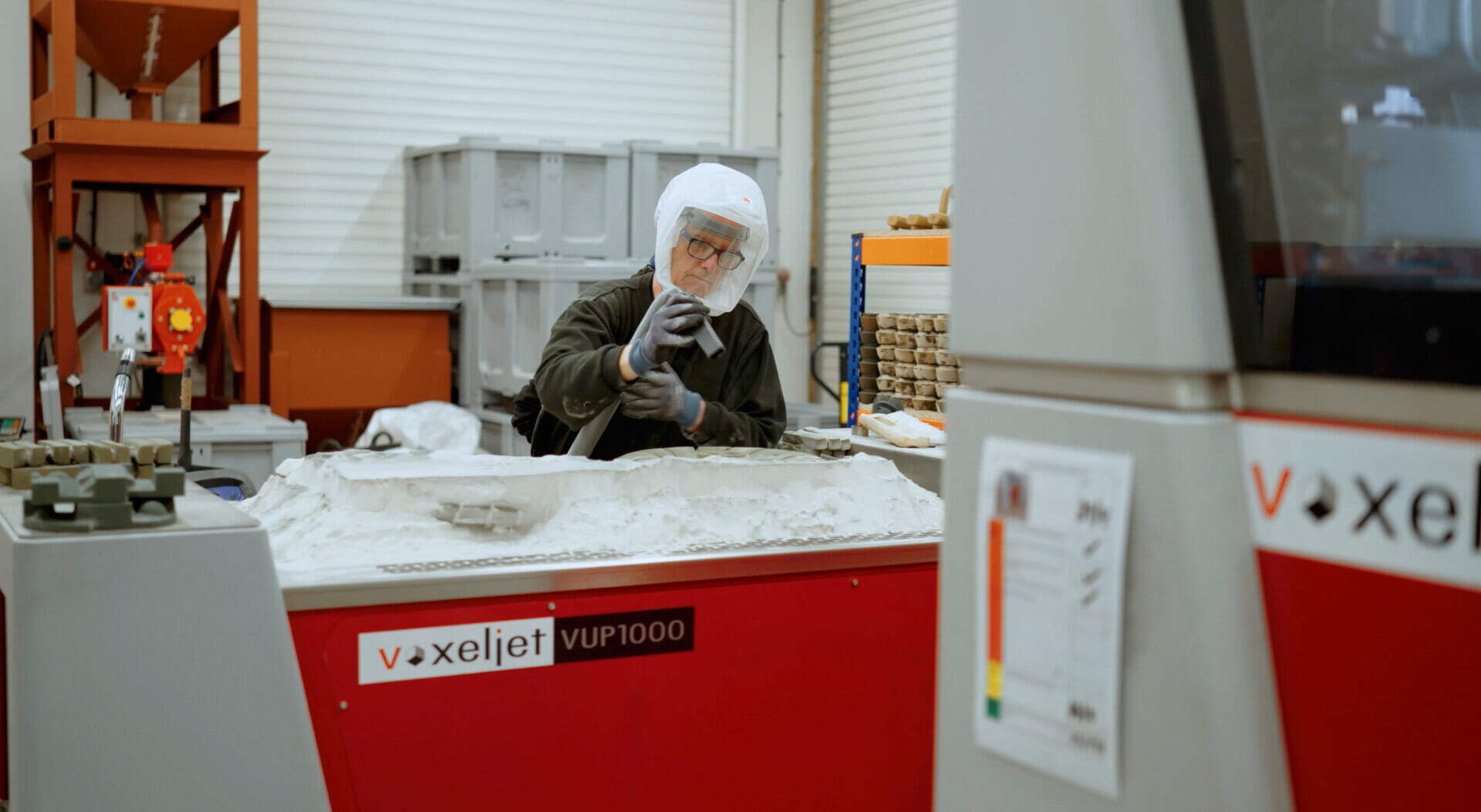
There is also a human benefit. When experienced operators help shape the content, the final video reflects the realities of the workstation rather than an idealised process written from a distance. That involvement encourages ownership and often surfaces practical improvements before filming is complete.
Planning the film around the workstation
Effective digital work instruction starts with a production brief that identifies the audience, process boundary and single learning objective. The team should decide whether the viewer needs to understand the whole workflow or only one repeatable operation. A focused film is easier to maintain, easier to translate and more likely to be watched when an operator needs a quick reminder during a busy shift.
Pre-production should map the process in sequence. Identify the tools, materials, access requirements and safety controls before the camera arrives. Note which steps require a wide view, which need a close-up and where a diagram or on-screen label will communicate more clearly than narration. This preparation also reduces disruption to production, because the crew can work around planned changeovers, clean-downs and quality checks.
Sound and lighting deserve attention in industrial settings. Machinery noise can obscure instructions, while reflective metal, dark enclosures and uneven factory lighting can hide the detail that matters most. A production team with experience in industrial video production can choose microphones, camera positions and lighting that respect the environment while keeping the process legible.
Making technical detail easy to follow
The viewer should always know where they are in the process. Simple chapter markers, numbered steps and restrained on-screen graphics can provide that orientation. Rather than adding text to every frame, reserve graphics for measurements, tolerances, settings, warnings and decision points. The result should feel like a calm extension of the workstation, not a promotional film competing for attention.
Narration can explain why a step matters, but it should not repeat what the viewer can already see. In some environments, captions and short callouts are more useful than voiceover, particularly where the video will be watched beside operating equipment. Designing the master film with accessible captions also creates a stronger foundation for translated versions and future edits.
Where the process includes inspection, show both the action and the acceptable outcome. A close-up of a gauge, finish, alignment mark or completed assembly gives the viewer a reference point for self-checking. For complex processes, a companion manufacturing video production project can combine the work instruction with a broader overview for supervisors, customers or auditors.
Keeping content useful after launch
Work instructions need an owner and a review rhythm. A change to tooling, software, materials or safety controls may make an otherwise accurate video misleading. Store the source footage, graphics and scripts in an organised library so that a small correction does not require the entire project to be recreated. Give each version a clear identifier and connect it to the relevant procedure or workstation.
Usage data and operator feedback can guide improvements. If viewers repeatedly skip a section, pause at a particular step or ask the same question after viewing, the content may need a clearer demonstration. Supervisors can also compare recurring quality issues with the moments covered in the instruction. This turns video from a one-off communications asset into a practical part of continuous improvement.
Building a reliable visual knowledge base
When every video has a defined audience, consistent structure and a realistic maintenance plan, a manufacturer can build a valuable visual knowledge base over time. New employees gain a faster route into the process, experienced teams retain a record of proven methods and improvement discussions become more concrete. The investment is most effective when each film solves a specific operational problem and is produced with enough care to remain useful on the factory floor.
Industrial video production for digital work instructions works best when it respects both sides of the brief: the precision of manufacturing and the clarity of good communication. By planning around the real workstation, showing the details that affect quality and reviewing content as processes evolve, businesses can make standardised work easier to understand, repeat and improve.